Projects for servers and networks
Create or open a project. The sidebar shows only that project’s servers, with expandable folders and file icons.
 JanekTech

Create, run and manage Minecraft servers from one desktop app, with organized projects, a built-in file editor, individual server settings and JanekNetwork access.
ABOUT
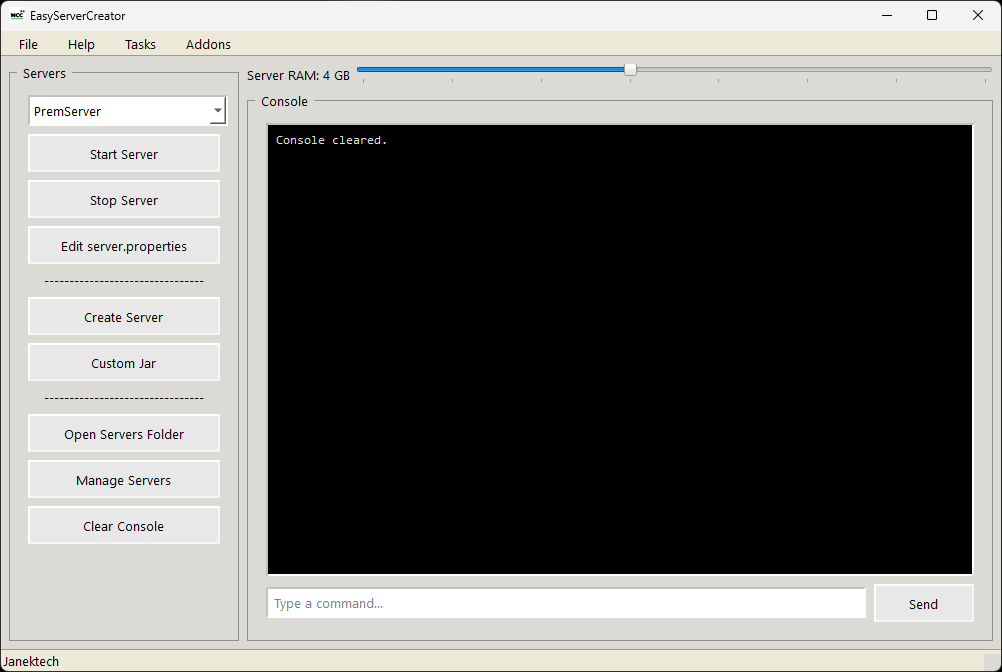
MCC 5 is a Minecraft server manager for Windows. Start by creating or opening a project for one server or a network with a proxy and multiple servers. The native Qt light interface keeps the current project's servers and files together, with separate areas for the overview, console, files and settings. Install or import servers, manage their Java and memory settings, create backups, and configure JanekNetwork from the project overview.
Create or open a project. The sidebar shows only that project’s servers, with expandable folders and file icons.
A clear project overview, grouped actions, helpful descriptions and built-in Help. MCC uses one native Qt light appearance.
Detect Java automatically or select a custom executable. Each server has its own RAM, port and startup settings.
Open text configuration files inside MCC, save with Ctrl+S, upload files, and create files or folders. Unsaved changes are protected.
Start and stop individual servers or the whole project. View live console output, send commands and check server status.
Create, list, restore and delete numbered world backups. Schedule daily server actions while MCC is open.
Configure JanekNetwork to publish your server. You can also connect a domain you own through your DNS provider; Help explains the setup.
New and imported servers use projects / project name / servers / server name under %APPDATA%\.mcc. Existing registered servers can keep their original locations.
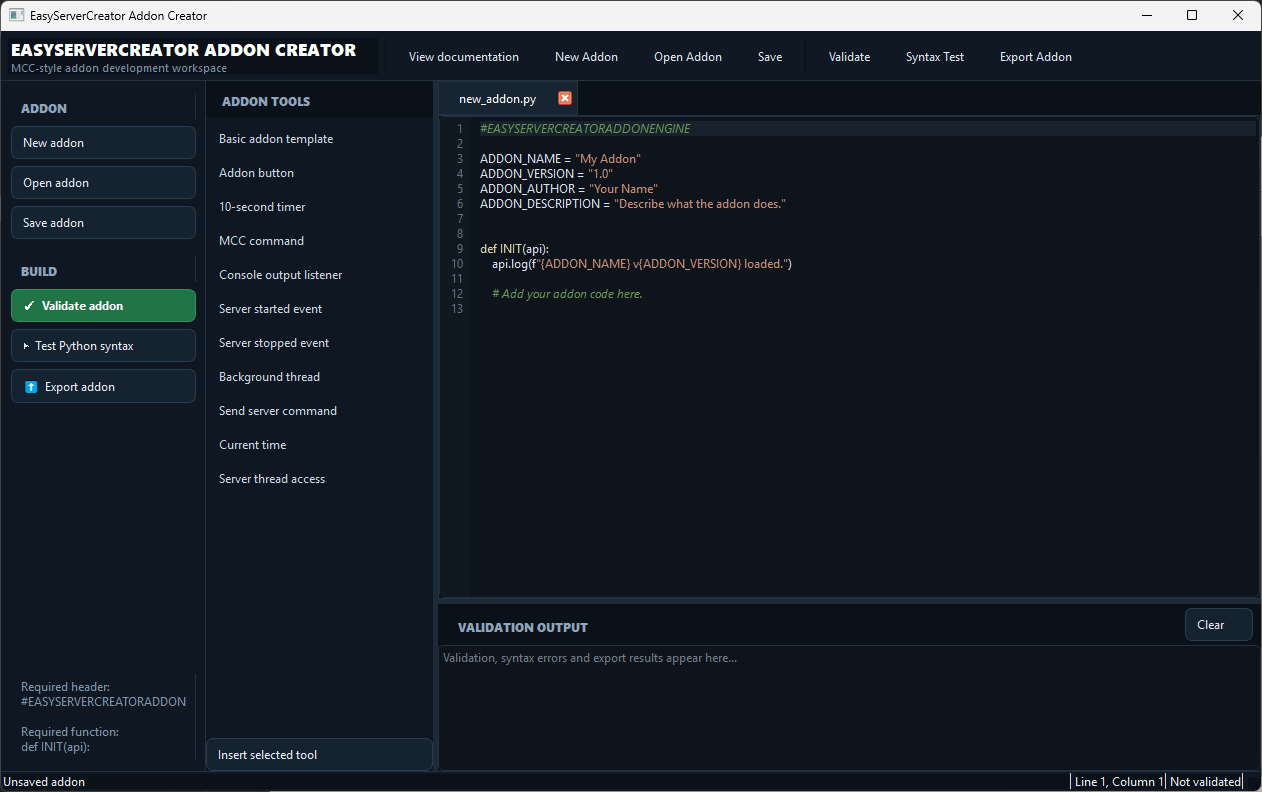
Manage mods and plugins in the server workspace, and extend MCC with Python addons and custom MCC commands.
Install or import server software and configure a proxy for a multi-server network. Keep each server’s configuration separate.
GALLERY
RELEASE NOTES